Find all your visuals, fast
Try describing a vibe in Google Drive. Use Dash instead - search across your visuals and save hours each day.
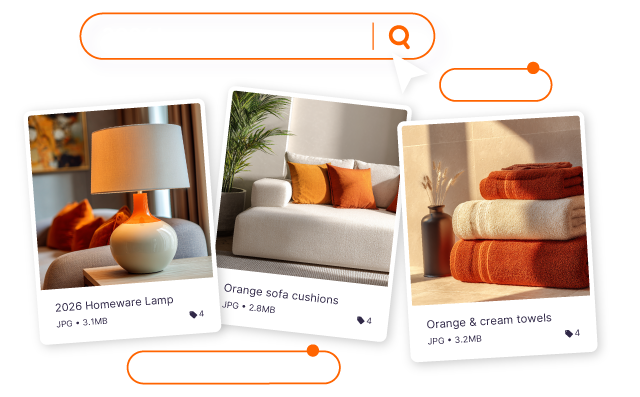
Build a search engine for your visuals

Search how you think
With AI search, turn your creative library into a search engine. Look for content how you think - like ‘man smiling wearing hat on the beach’ - and find it quicker.
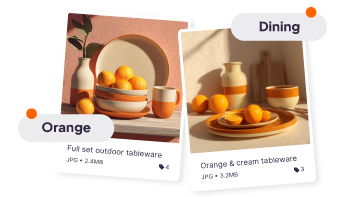
Tag creative so its easy to find
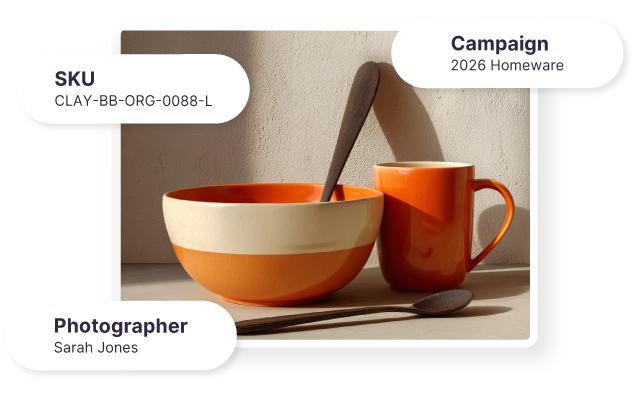
Tag creative in a way that makes sense to your brand. Create custom fields so you can search for content by SKU, product name, the creator who shot the image, and more.

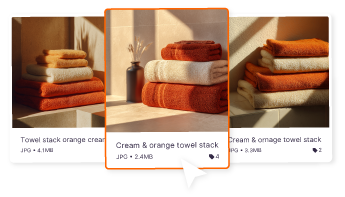
Discover your best content
Your creative is on point. So find more like it with similar images. Click on an image to see all associated creative across your Dash account.
Start your free trial
no credit card needed.
A step-up from Drive and Dropbox
Using Google Drive and Dropbox is holding you back. Ready to leave the content chaos behind?
Easy organisation
Think of how your team want to find assets. By product, campaign or the influencer who shot the photo?
Then create your own fields, tags and filters so your team can find what they need.
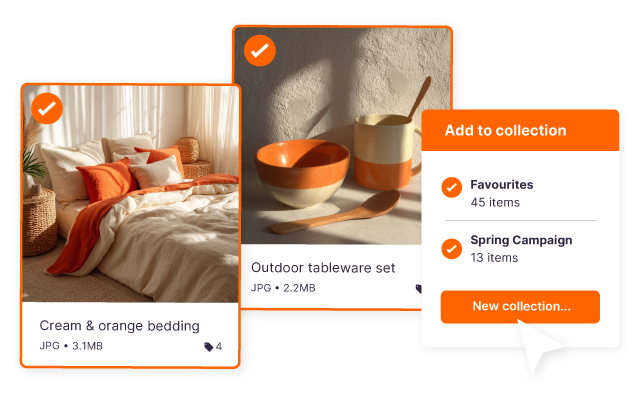
Keep personal collections
Create personal collections of images you'd like to use in your next campaign. Or gather assets for a top secret project you're working on - your secret's safe with Dash digital asset management.
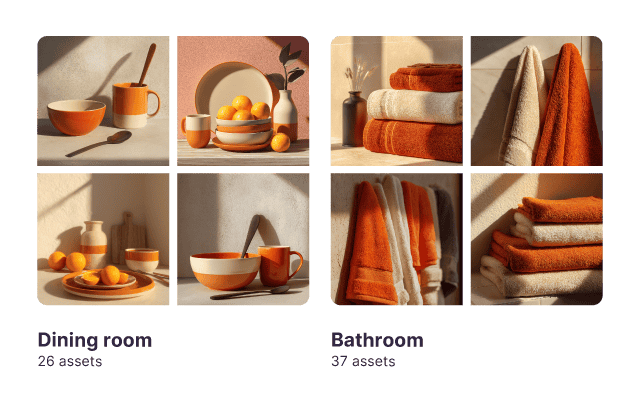
Build a library that works for you
Use folders on Dash to collect together different types of assets so your team have everything they need for their project - without having to go hunting.
Collect your product creative together
First, upload the assets your retail partners need into Dash and tag them so they’re easy to find.


Collect your product creative together
First, upload the assets your retail partners need into Dash and tag them so they’re easy to find.
Collect your product creative together
First, upload the assets your retail partners need into Dash and tag them so they’re easy to find.
Drive and Dropbox could never. Try Dash.




.png)










FAQs about searching and organising in Dash
How do you search for assets in Dash?
In Dash, you can search your assets using the search bar. Start by typing what you’re looking for, like a product name, campaign, season or file type. Dash will return results from filenames, custom fields, and tags. You can also toggle on AI search to use natural language. And, if you want to narrow things down, you can add filters.
Does Dash auto-tag my assets?
Yes, Dash adds auto-tags when you upload product photos, lifestyle images, or videos. These tags make your library easier to filter and search without manual work. You can edit or remove auto-tags any time.
How to organise brand assets?
In Dash digital asset management, organising brand assets is simple and stays simple as you grow. Start by grouping assets into clear folders like products, campaigns, lifestyle, UGC, and retail partners.
Then add tags and custom fields for the details your team searches by most, such as SKU, product name, season, channel, region, or campaign type.
Dash also adds auto-tags when you upload, so new images and videos are easier to sort without extra work.
Can I add custom tags and fields for ecommerce workflows?
Yes, in Dash you can create custom fields like SKU, product name, campaign, season, channel, or usage rights. This keeps your ecommerce assets organised in a way that matches how your team works.