Much more than cloud storage
Build the single source of truth for all your brand assets. When everything’s kept in one place, it’s easier (and faster) to find.
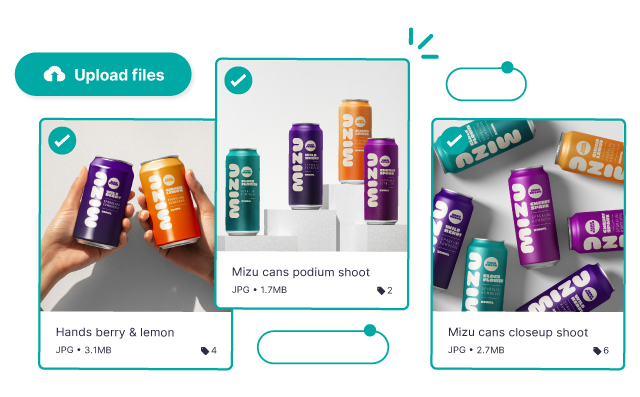
Collect all your content together
Buried in expired WeTransfer links from your photographer? Can't find where you put the folder of assets from your influencers? It doesn’t have to be like this.
Collect visuals from your content creators
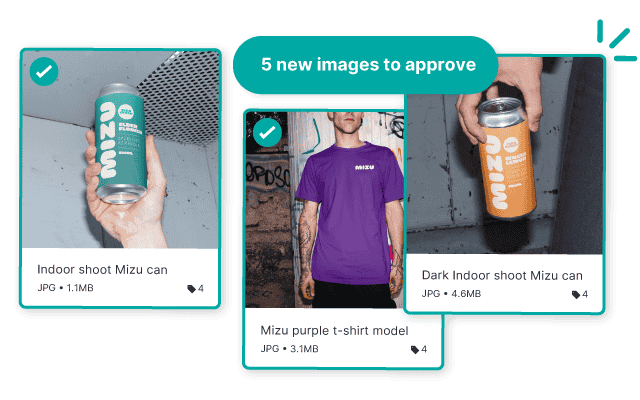
Send your creators a guest upload link to upload shots straight to Dash. Leave bulky email attachments and expired WeTransfer links where they belong: in the past.
Send from Drive, Dropbox + SharePoint
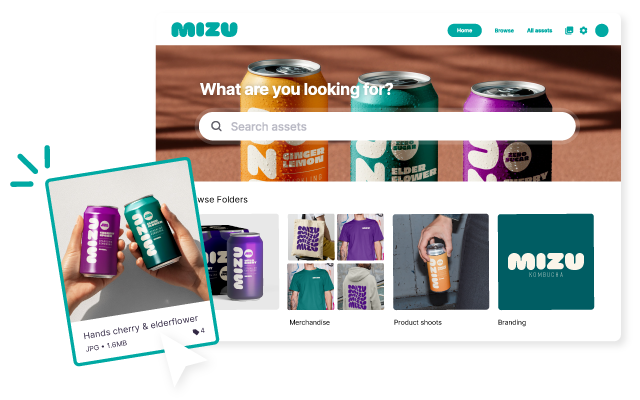
Import visuals from existing tools to get going quickly. Once in Dash, organise with folders and tags so they’re simple to find.

Leave feedback on pending creatives
When your content creators upload assets, approve the ones you like, reject the ones you don’t, and leave feedback.
Collect your product creative together
First, upload the assets your retail partners need into Dash and tag them so they’re easy to find.


Collect your product creative together
First, upload the assets your retail partners need into Dash and tag them so they’re easy to find.
Collect your product creative together
First, upload the assets your retail partners need into Dash and tag them so they’re easy to find.
Marketers and creatives love Dash


"Dash finally gave us a way to move beyond the chaos of folders on Dropbox and WeTransfer."



"We’ve had an 80% reduction in design requests that were previously coming to me and my team."



"Dash is brilliant and it’s changed how I do a lot of my job ... I can spend time doing work that needs doing, less time finding things."

FAQs about collecting and storing in Dash
How can I organise my brand's images and videos?
When you upload an asset to Dash, the system scans it and adds auto-tags for you. You can also add custom fields like ‘campaign type’, filters like ‘file type’ and any other information your team needs. You can then save the same image or video in multiple folders without creating duplicates.
What types of files can I store in Dash?
In Dash you can store the most common file types and formats including: PNG, JPG, WebP, RAW, PDF, MP4, MP3, PSD, AI, AVIF, doc, TIF, XLS, WAV, AEP, CAD, PROJ, MOV. Basically, you can store, preview and download most types of files in Dash.
How do guest uploads work in Dash?
Guest uploads in Dash allow you to collect content from creators, customers and partners who are not users of your account. You create a link, choose which folder the uploads should land in, and add an optional message. You’ll be able to approve submission before they go live in your Dash.
How do I store large amounts of photos and videos?
You can store large amounts of photos and videos in Dash. Everything is saved into the cloud, so you can access it from anywhere, at any time. And, depending on what pricing plan you pick, you can store as many GBs of content as you need.
How is Dash different from using Dropbox / Google Drive / Share folders?
Dropbox and Drive are great for storage, but they are not built for managing a fast-growing visual library. They rely on folder structures, which get messy as soon as you have multiple campaigns, regions, and versions of the same file.
Dash is built for brand visuals, so you can organise assets with tags and fields, not just folders. It means that whether someone tries to search by keyword, file type or campaign season, they’ll find the assets they’re looking for in seconds.